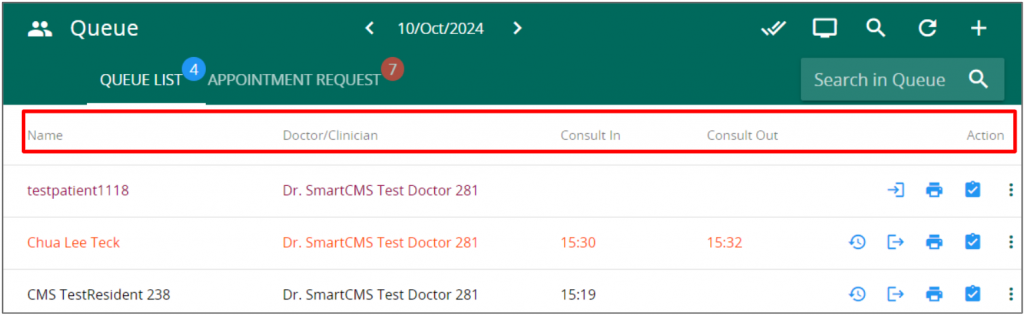
In the Queue Management page, click on the double tick icon on the top right of the page. A pop up with the available queue category will appear.
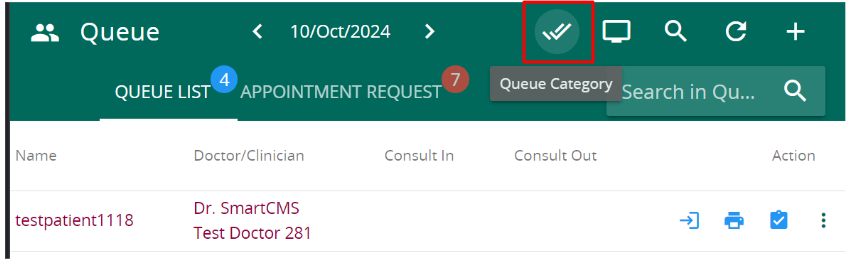
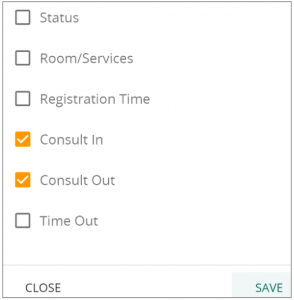
Check on the desired information to be displayed and press save
The selected queue information should appear