
Video Tutorial
- In Vanda Manager, Click on Settings

- Under Salary , select Salary Ratio

- Click Add

- Fill in salary ratio details and click Save

- New salary ratio is added

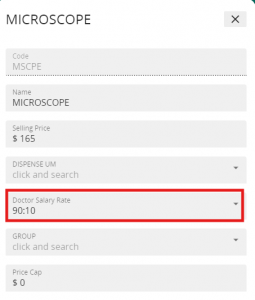
- Next, head to Service Item in Vanda Manager and assign the Doctor Salary Rate to the intended Service Items
- After saving, simply prescribe the service item and conduct payment in VandaClinic. The Doctor Salary Report will reflect the earnings once payment has been conducted.


