
Video Tutorial
- Click on ‘ Queue ‘

-
- Click √ to select patient

- Click on ‘ Add ‘ button

-
- Choose Vaccination
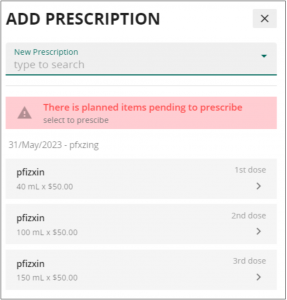
- Choose Vaccination
-
- Fill in the prescription information and press “save”. Complete the billing & payment process.

Once payment has been made, head to “vaccination” under the medical record navigation menu and click on the pencil icon of the newly prescribed medication.


