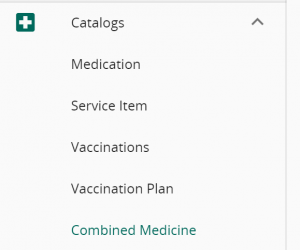
Head to VandaClinic’s Setting -> Catalogs -> Select Either Medication, Service Item, vaccinations or combined medications

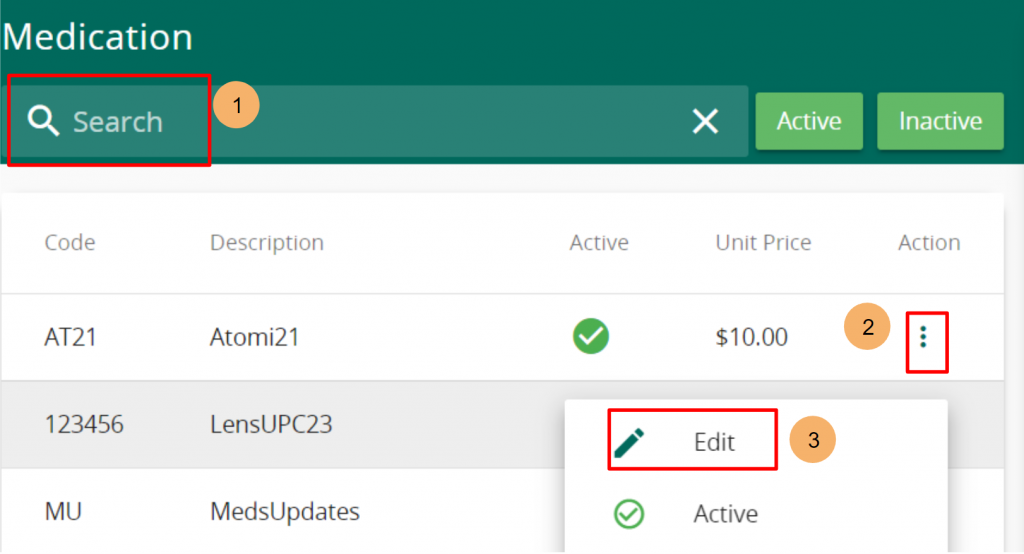
For Medication, you may search for the specific medication using the search bar, click on the 3 vertical dot action button on the right of each medication. Followed by clicking the “edit” button.
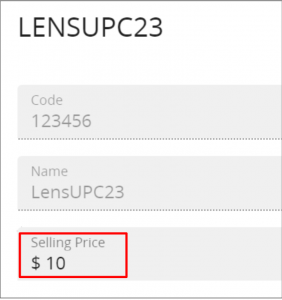
Next, change the selling price and press “save” to update the selling price.
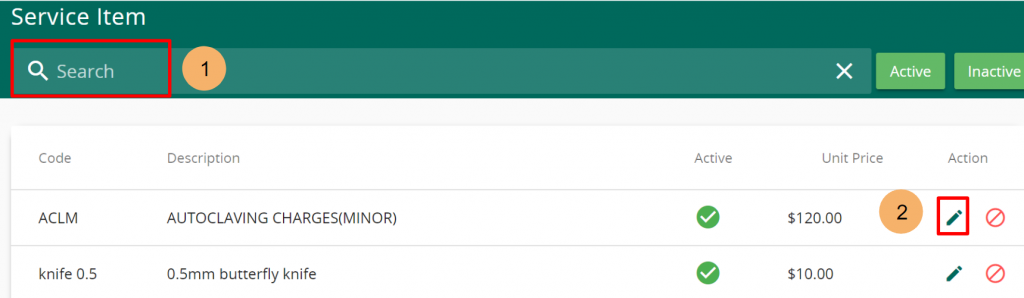
For Service Item, search for the specific service using the search bar, click on the pencil icon.
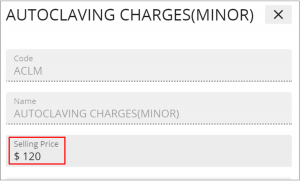
Similarly, change the selling price and press “save” to update the selling price of the service item
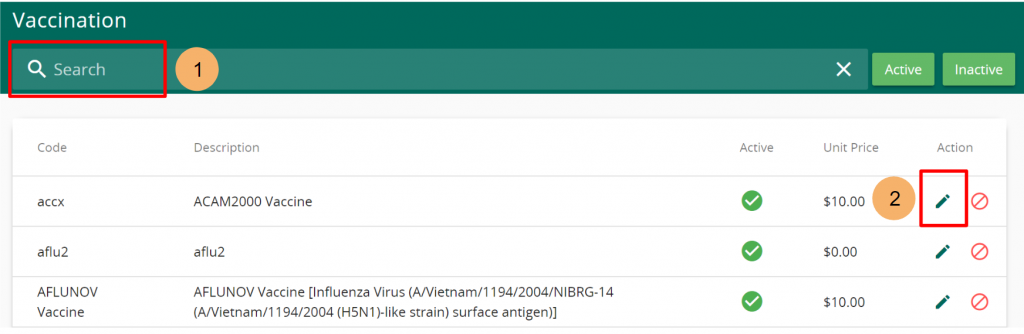
For Vaccinations, search for the specific vaccination using the search bar, click on the pencil icon.
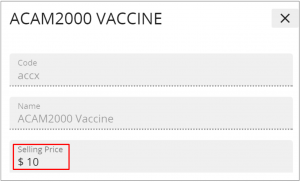
Update the selling price and press “save” to update the selling price of the vaccination item
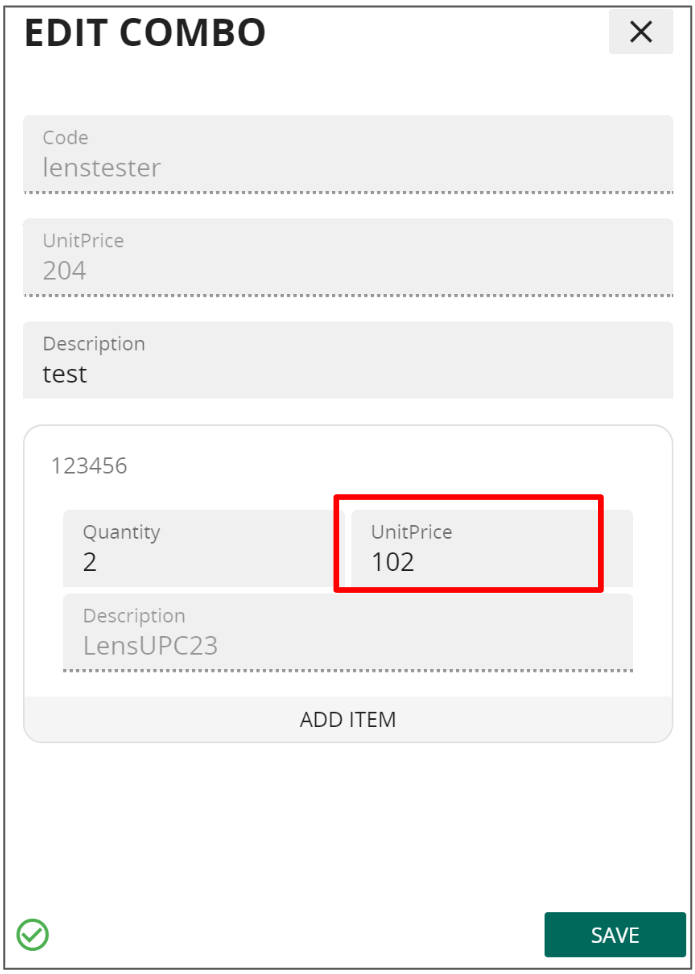
For Combined medication, search for the combined medication to be updated. Click on the pencil icon
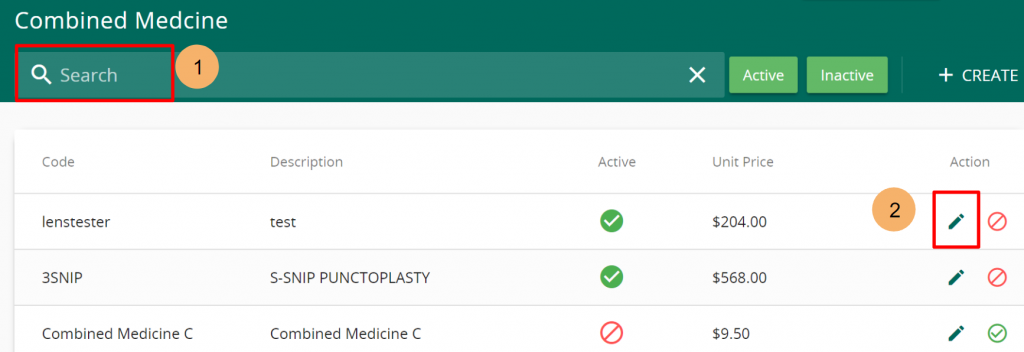
Change the item’s pricing accordingly. Press save to update the combined medication’s prices.