
- Go to ‘Queue’

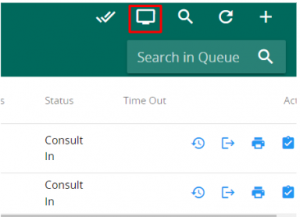
- click onto the screen icon on the top right. The Queue Display will appear on another window.
- Utilise the Waiting area and Room services dropdown to select what you wish to display on a queue display. Note that you can choose 1 area and a few room/services.


- Lastly, you can use the bell icon to play a bell audio to get patient’s attention to the queue display.



