
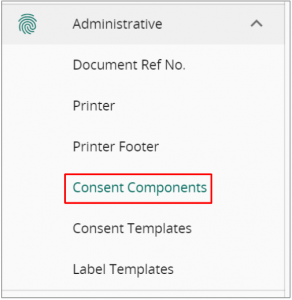
Head to VandaClinic’s Setting -> Administrative -> Consent Components

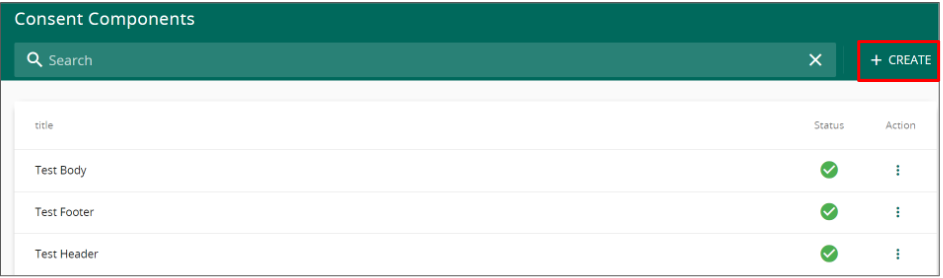
Click on Create to add a new component
Fill in the component title and its content in the red highlighted box.
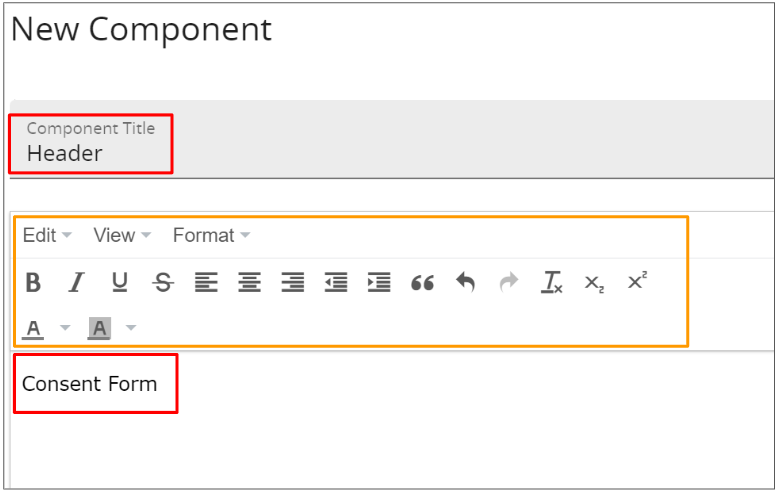
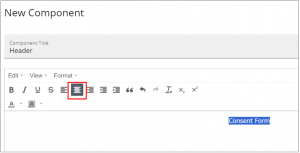
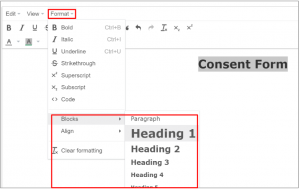
You may utilise the editing tool highlighted in orange to customise your text. For example:
Once you are satisfied. Click save to complete the creation of a new component.
Next, Head to consent templates
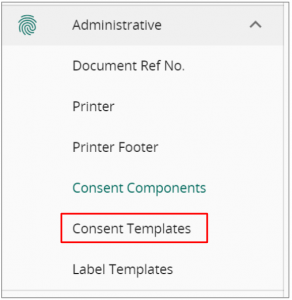
Click on ” + Create”

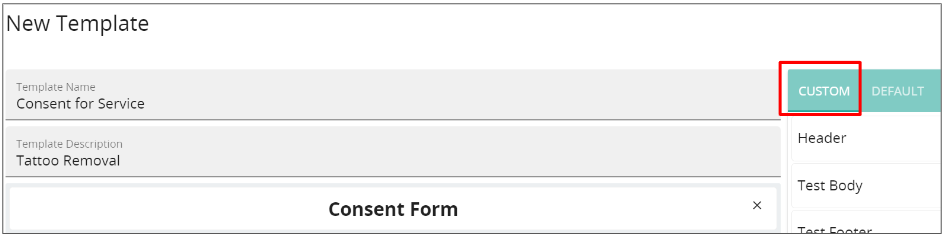
Fill in the template name and its description followed by using the custom tab to add in your newly created consent component.
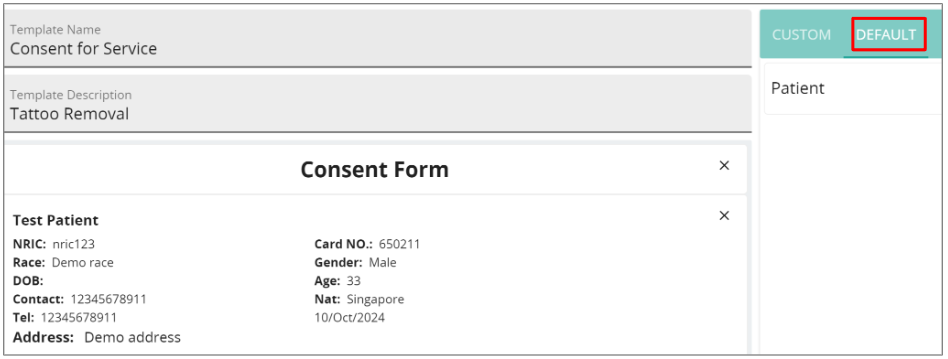
You may also utilise the default components to add in pre-made components.
Once you are done, click save and the template will be ready for use in the medical record.


