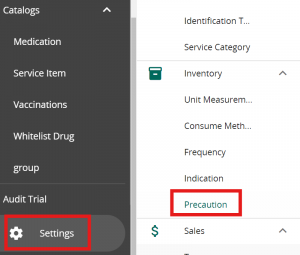
Click on Settings in VandaManager. Click on “Precaution” under “Inventory”
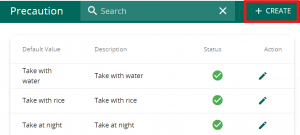
Click on ” + Create” to add in a new precaution message. You may also click on the pencil icon to edit existing precautions.
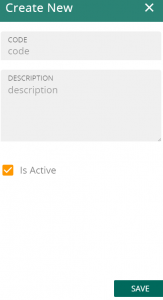
Fill in the code & description followed by saving the new precaution. Note that the Description will be utilised in the medication label.