
Head to VandaClinic’s Setting -> Administrative -> Label

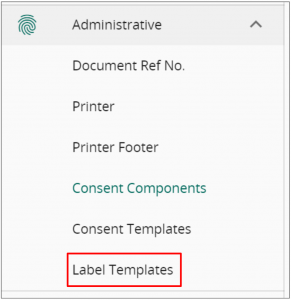
Note that there is a standardised template if you do not customize a template.
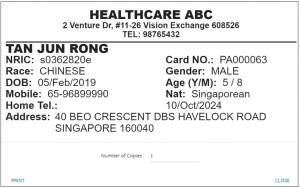
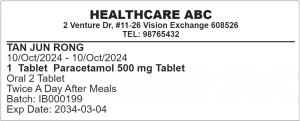
To customise your own template:
- Add a grid to the template
- adjust the number of columns and width height of each grid
- Add the components you require
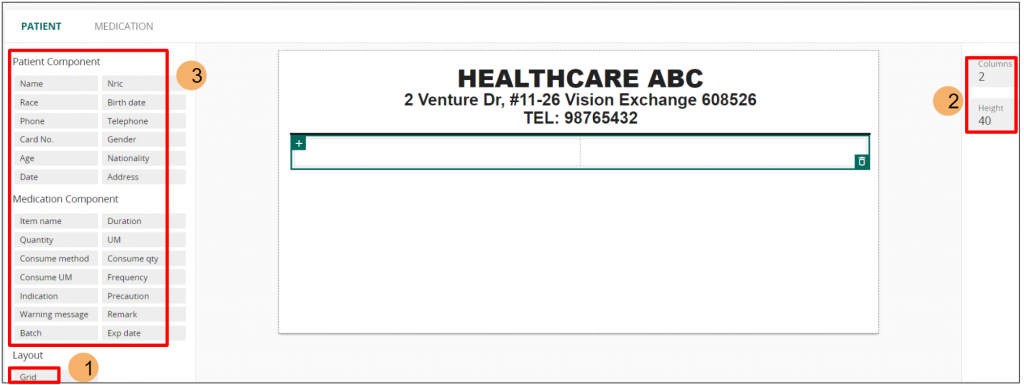
Once you have added a component, you may adjust the column’s width along with the font. You may also select whether to include the component’s title or to have it hidden.
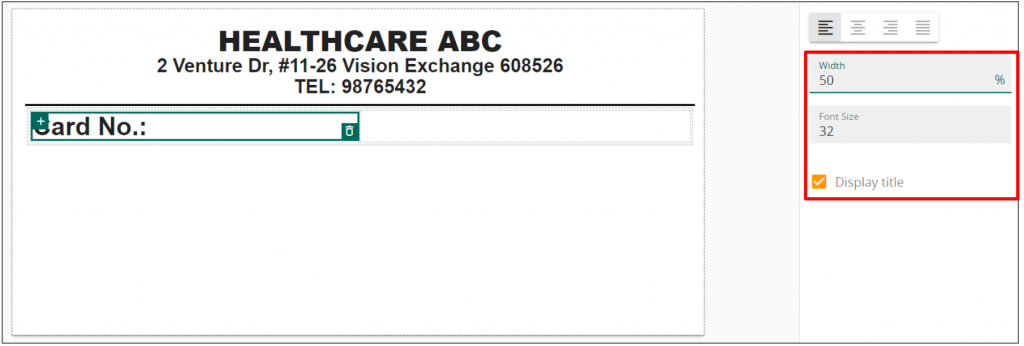
Click save to apply the newest template!


