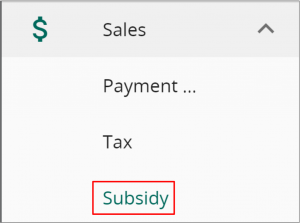
Head to settings in VandaClinic -> Sales -> Subsidy.

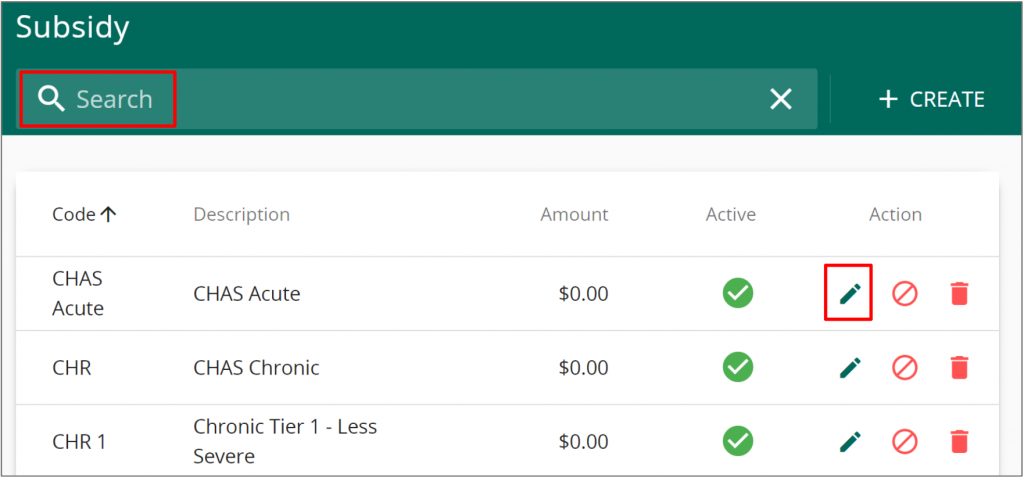
Click on the ” + Create” button to add a new subsidy. You may utilise the search and pencil button to edit an existing subsidy. The Cancel icon can be used to deactivate a subsidy and the bin button can be used to delete existing subsidy.
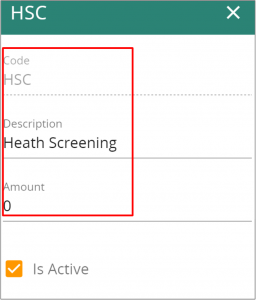
Fill in the Code, Description and subsidy amount before saving to add a new subsidy.