
About the Clinical Indicators Data Collection (CIDC)
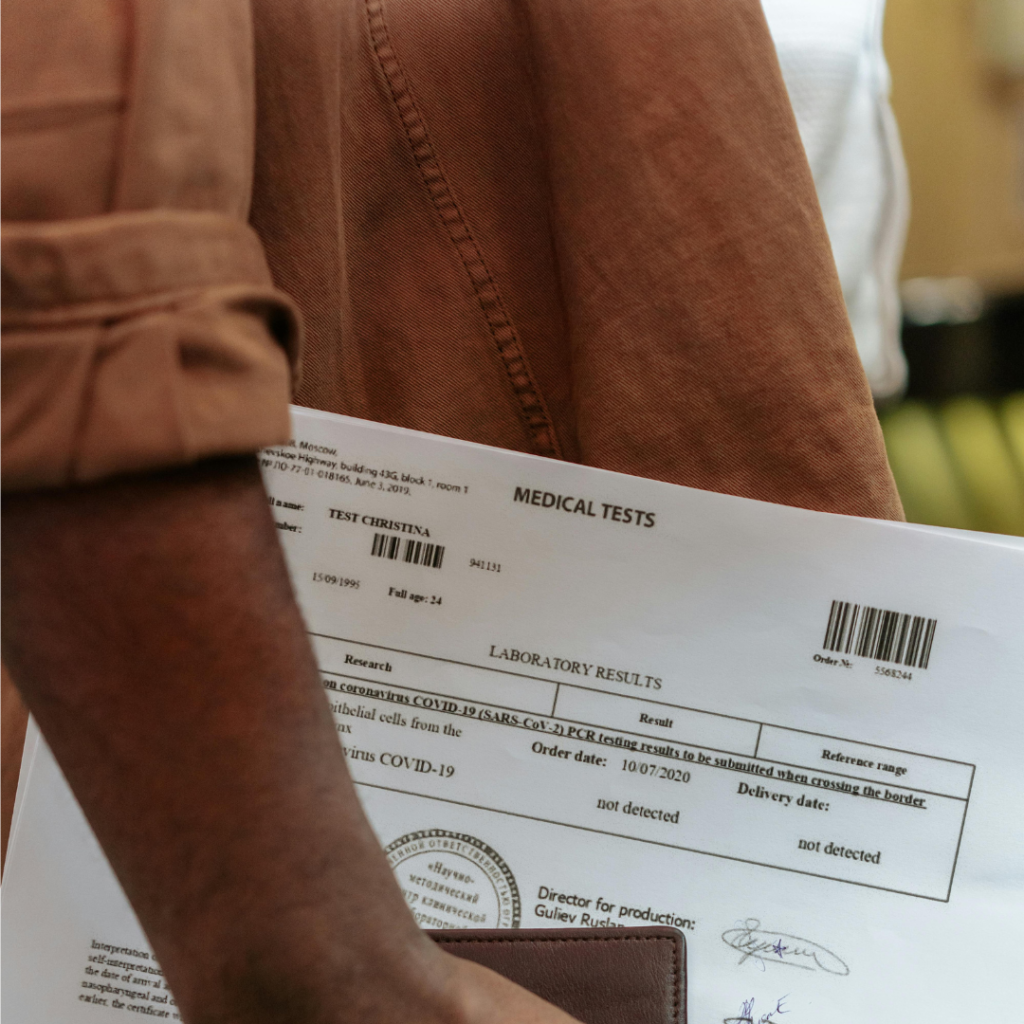
The Clinical Data submission e-Service allows submission of new reports. It also allows retrieval of submitted reports through the “search” function. The Frequently answered questions (FAQs) that accompanies this reading explains: clinical matters; registration matters; Medisave claims, reimbursement, billing; and data submission, clinical improvement and audit matters.
Clinical Indicators Report Submission
This function is used to submit clinical data on patients who have used their Medisave under the CDMP. A new submission
can be made each time there is additional indicator information for the patient either on a per visit basis or consolidated over
a few visits. All submissions are distinct and will be used for analysis by MOH on a cumulative basis. To submit a new set of clinical data for a patient to MOH, click on the “Submission” sub-menu. Screen 3 will appear
The Clinical Indicator Form consists of 4 sections:
- Patient Details
- Known Medical History
- Clinical and Assessment
- Indicators
- Attending Physician Information
Frequently Asked Questions
Which Chronic diseases are currently included under this programme?
Diabetes Mellitus, Hypertension, Lipid disorders, Stroke, Asthma, COPD, Schizophrenia, Major Depression, dementia and bipolar disorder are currently included under this Programme.
I have a patient with Diabetes, Hyperlipidaemia and Asthma, which DMPs should I enrol him into?
Enrol him into both Diabetes AND Asthma DMPs. He will then be able to use Medisave to co-pay for the total bill for the treatment
prescribed for all 3 conditions. However, the doctor will also need to submit outcome data based on the essential care components of diabetes and asthma.
How will I know if the patient has sufficient balance left for claims?
An enquiry function to check the withdrawal limit and overall account balance is available via the MediClaim e-Service. Clinics
may use this function to check the remaining balance of the Medisave account holder with his/ her consent.
Alternatively, you can request for the Medisave holder to show you a print-out or electronic statement of their current Medisave
balance. They can obtain their current Medisave balance from the CPF Board’s website (www.cpf.gov.sg) under My CPF Online Services – My Statment, by logging in with their SingPass. You may wish to ask your patients to bring along a copy of the Medisave balance of the Medisave payers if you do not have a computer terminal at your clinic.
Reference: College of Family Physicians Singapore
Related Articles
About the Critical Medication Information store (CMIS)
Recent Posts
 CMS
CMS HIA Cybersecurity Requirements: The 13 Measures Singapore Clinics Need to Know
HIA cybersecurity requirements: MOH lists 13 measures for clinics, from backups to a 2-hour incident alert. Use this…
 Healthier SG
 ACE-AI Healthier SG: What GP Clinics Should Prepare for the 2027 Risk Tool
ACE-AI Healthier SG will flag high-risk enrolees in your CMS from early 2027. See 5 ways GP clinics…
 NEHR
NEHR NEHR Data Contribution Without Switching Systems: 3 Options for Singapore Clinics
Need NEHR data contribution but don't want to replace your clinic system? Compare 3 options for Singapore clinics…
Related Posts
ACE-AI Healthier SG: What GP Clinics Should Prepare for the 2027 Risk Tool
ACE-AI Healthier SG will flag high-risk enrolees in your CMS from early 2027. See 5 ways…
NEHR Integration: What Every Singapore GP Clinic Needs to Know
NEHR Integration: What Every Singapore GP Clinic Needs to Know Your Patient Just Left. Is Their…
How Singapore Clinics Can Stay Healthier SG-Compliant Without the Administrative Headache
How Singapore Clinics Can Stay Healthier SG-Compliant Without the Administrative Headache Is Your Clinic Drowning in…